
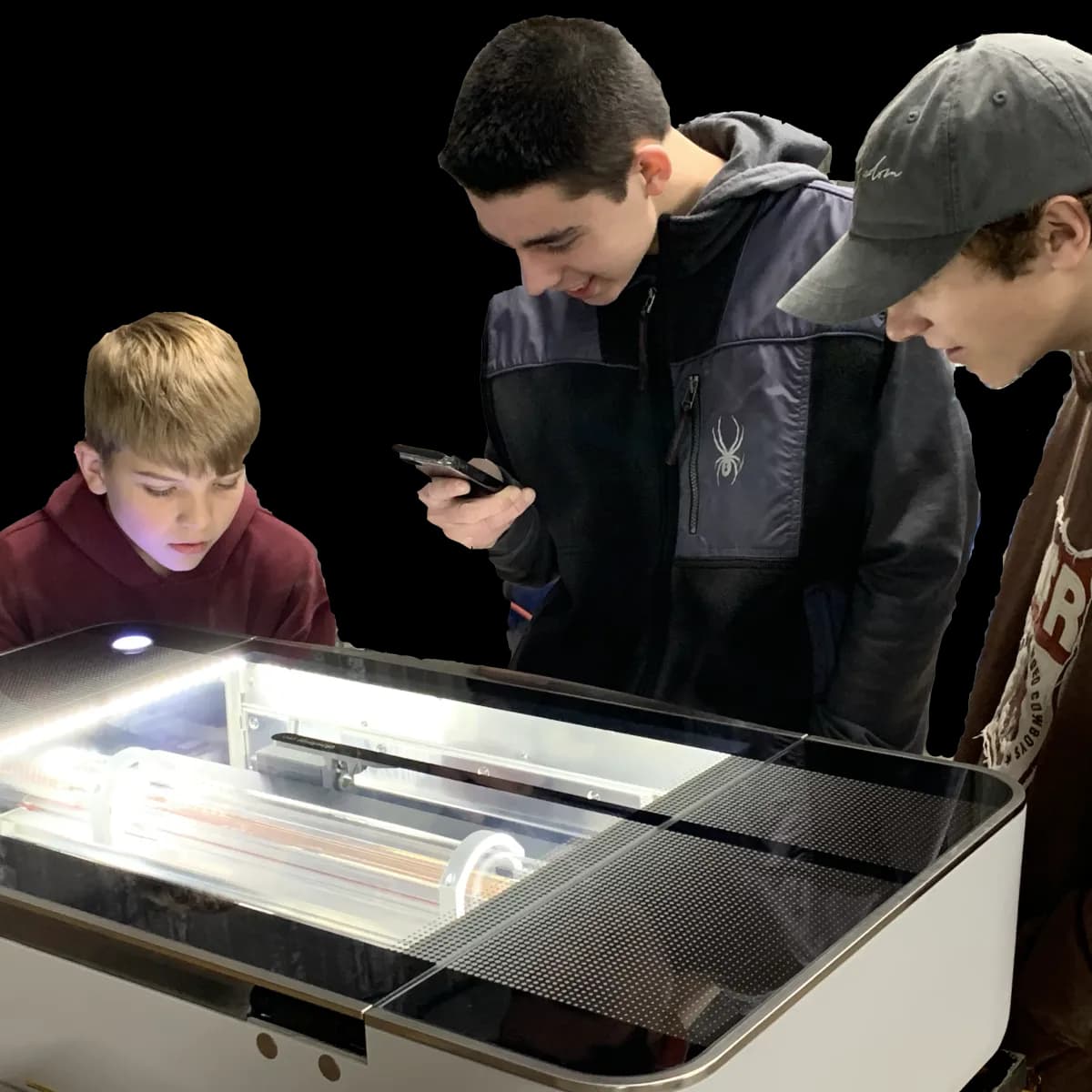
Glowforge Laser
The Glowforge Laser is one of our most popular and versatile tools — a CO2 laser that cuts and engraves wood, acrylic, leather, and more. If you have not already, sign up for a Laser 101 class and take the Laser Safety Course before using it. Members then have 24-hour access to the Innovation Lab using their unique building access code.
Specifications
| Type | Glowforge CO2 laser cutter and engraver |
|---|---|
| Cuts | Wood, acrylic, leather, cardboard, paper, fabric |
| Engraves | The above plus glass, stone, tile, anodized aluminum |
| Never use | PVC, vinyl, ABS, or any chlorinated material |
| Software | Glowforge web app |
| Required class | Laser 101 |
| Also required | Laser Safety Course (online) |
| Materials | Check the approved materials list before every job |
Cut & Engrave
The laser does two jobs. Cutting drives the beam all the way through the material to free a shape — great for plywood ornaments, acrylic parts, leather goods, and stencils. Engraving burns a controlled depth into the surface for logos, text, photos, and texture. Dial in material settings in the Glowforge web app and the machine handles the rest.
Safe Materials
Safe to cut: wood, acrylic, leather, paper, cardboard, and many fabrics. Safe to engrave additionally: glass, stone, tile, and anodized aluminum. Never put PVC, vinyl, ABS, or any chlorinated material in the laser — they release corrosive, toxic chlorine gas. The safety course covers the full approved-materials list before you ever press start.
Take Laser 101 First
Laser 101 plus the online safety course unlock the Glowforge. After that, laser time is part of your membership. Explore the Innovation Lab and the rest of our tools.
Glowforge FAQ
What can the Glowforge laser do?
The Glowforge is one of our most popular and versatile tools. It cuts and engraves wood, acrylic, leather, paper, and fabric, and engraves harder materials like glass, stone, tile, and anodized aluminum.
What materials are unsafe to put in the laser?
Never cut PVC, vinyl, ABS, or any chlorinated material — they release toxic chlorine gas that damages the machine and your health. Stick to the approved materials list covered in the safety course.
What training do I need to use the Glowforge?
Sign up for a Laser 101 class and complete the online Laser Safety Course before using the machine. Both cover material settings, safe and unsafe materials, and proper operation.
Do I need a membership to use the laser?
A membership is required to run the laser on your own. Laser 101 is open to the public, and members get 20% off all classes. You provide your own materials.